
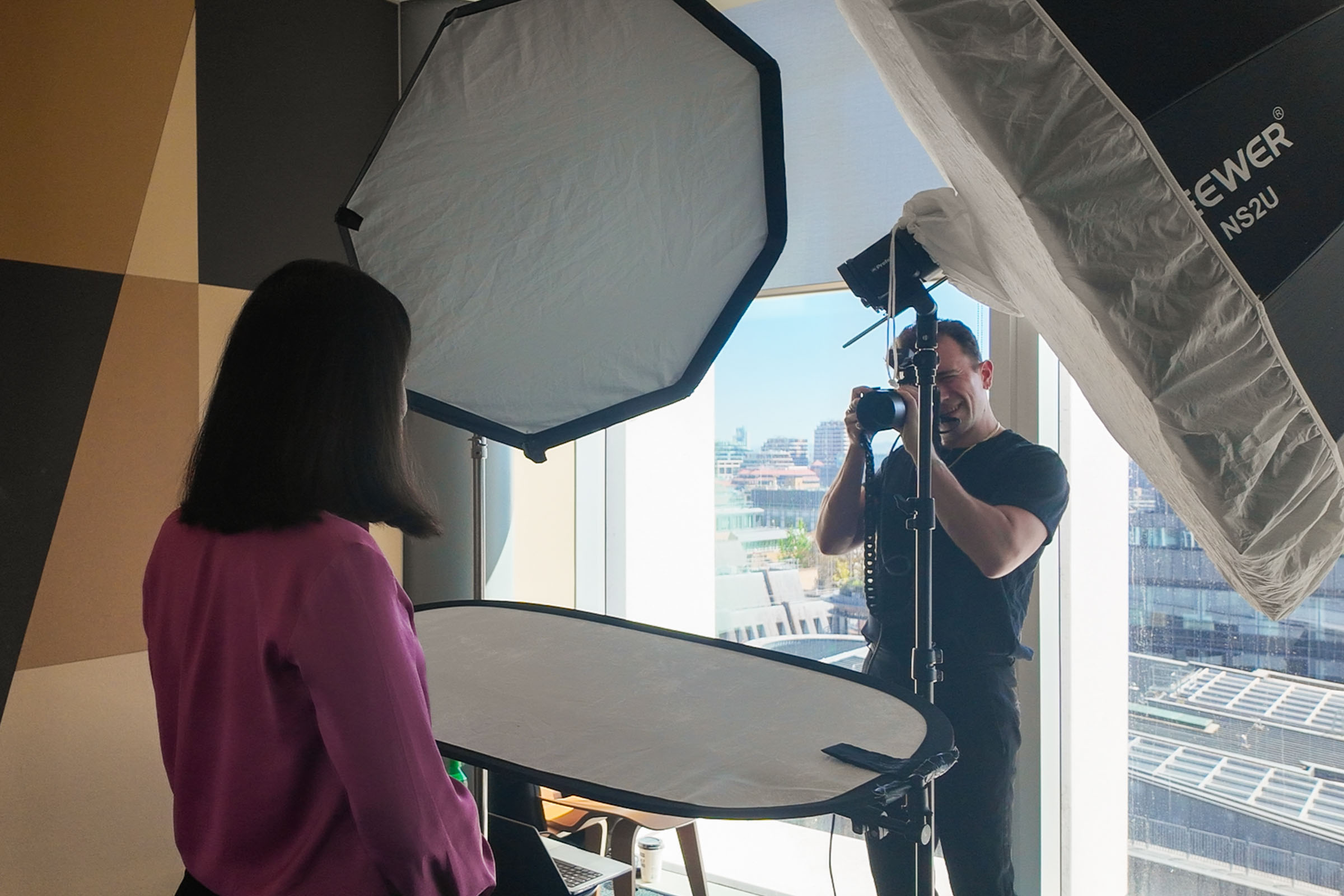
If you’ve been asked to organise new headshots for your team, most of the work comes down to three things: the room, the schedule and the message you send colleagues beforehand. Get those right and the day itself tends to run smoothly.
This guide is for HR, office and marketing managers planning a shoot. For what’s included and how team days are priced, see the team headshot days page.
1. Agree what the photographs are for
Before booking anything, check where the images will be used: the company website, LinkedIn, proposals and bid documents, conference programmes, an internal directory. It decides several practical questions:
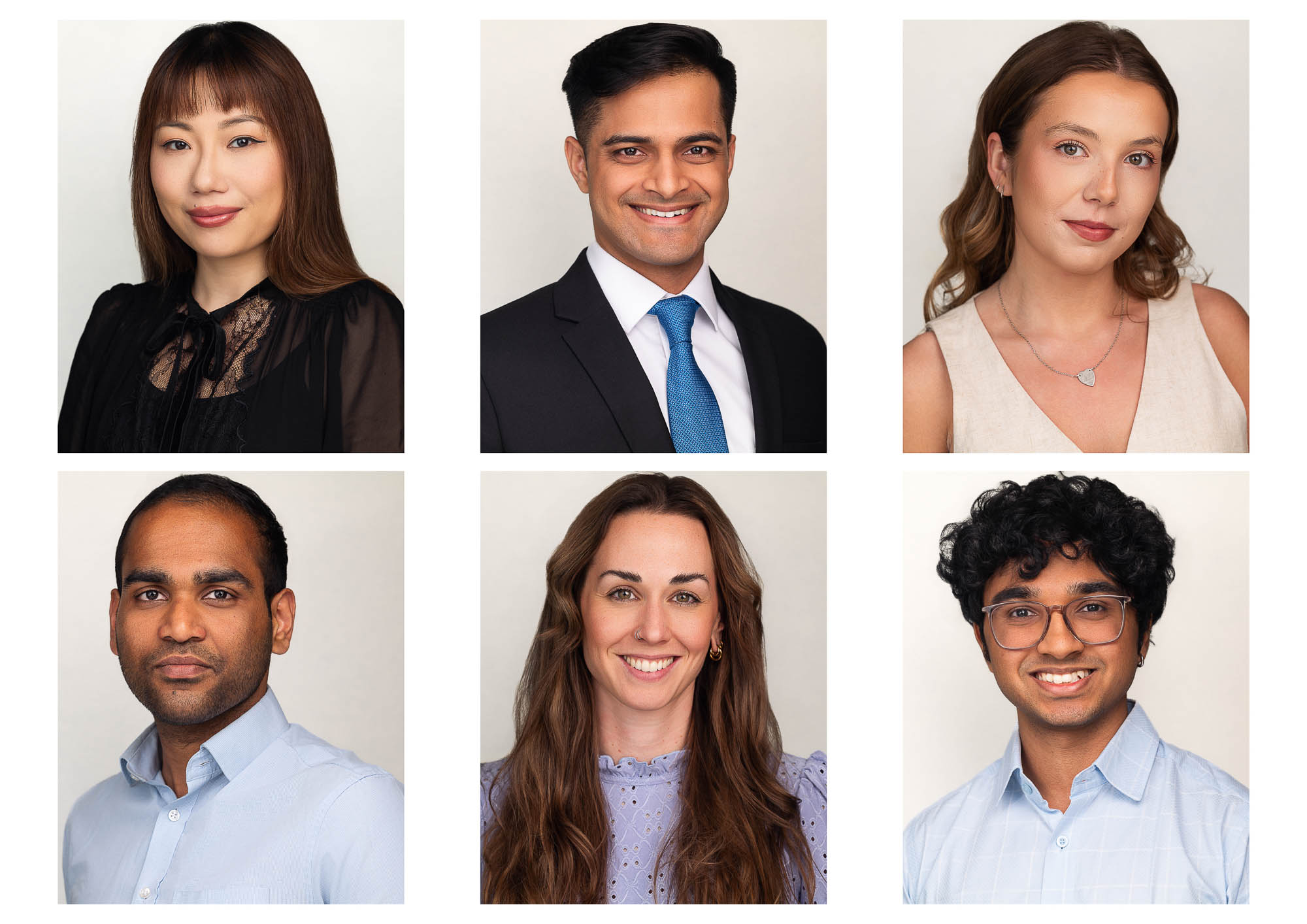
- Crop: head and shoulders suits most uses. Mention it if your website uses a different shape, such as a tall portrait crop or a circle.
- Background: team days use one consistent backdrop so that everyone’s photograph sits together on the same page. If you already have team photos you’d like to match, send examples in advance.
- Who needs to be included: everyone, or particular teams, client-facing staff and leadership?
If there’s an existing brand guide or website team page, send a link. It saves a lot of back and forth.
2. Choose the space
I bring professional portable lighting, backdrops and camera equipment. What you need to provide is the space.
- Room: a meeting room or a clear area of wall is usually ideal. Rooms vary, so we’ll talk through what you have when you book.
- Power: a nearby socket is preferable.
- Booking: reserve the room for the whole session, including about 30 minutes before the first appointment for setting up, and time after the last one for packing down.
- Location: close enough to people’s desks that a short appointment doesn’t turn into a long round trip.
Because the lighting is brought in, the conditions stay consistent through the day, which helps the first photograph of the morning match the last one of the afternoon.
3. Build the schedule
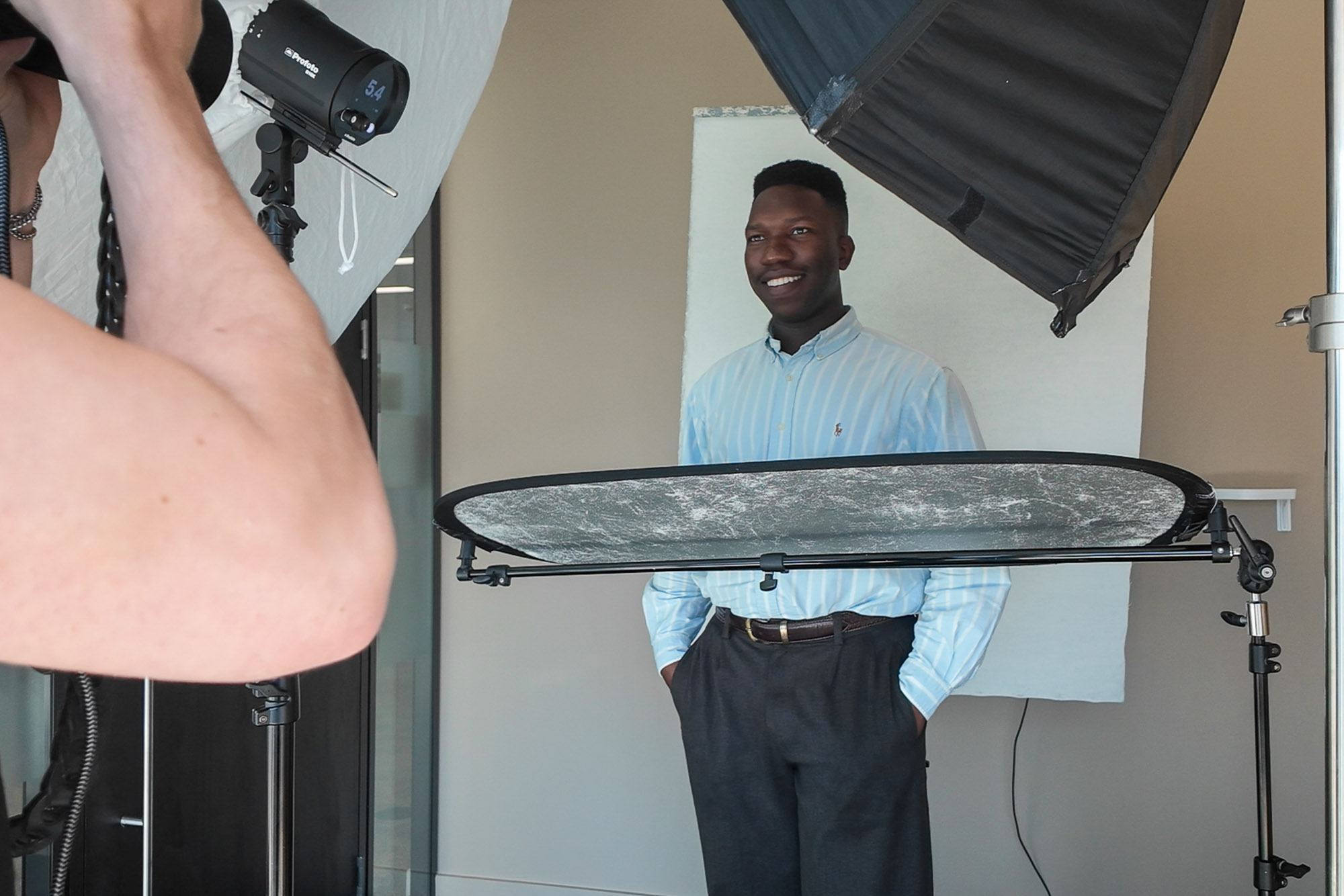
Each person usually needs around five to ten minutes in front of the camera, depending on what’s required. That’s possible because the lighting, background and framing are set up before the first person arrives. The time is spent on the person: helping them settle, directing a few variations, and getting a photograph they’re happy with.
As a guide, a half day covers up to 10 people and a full day up to 25. Larger teams or several offices can be photographed over more than one day.
Some practical scheduling tips:
- Use a sign-up sheet or calendar slots rather than leaving it entirely to drop-ins, so the day is spread evenly.
- Keep the schedule flexible. Meetings overrun and people arrive late, so some slack in the timetable is helpful.
- Keep a reserve list of people who can step in if someone cancels.
4. Brief your colleagues
A short email a week before, and a reminder the day before, removes a lot of uncertainty. Here’s a version you can adapt:
Subject: Team headshots — 20th November 2026, [room]
We’re having new headshots taken for the website and LinkedIn. Your appointment is at [time] in [room]. It takes about ten minutes, and you’ll be guided through the whole thing, so there’s nothing to prepare beyond what you wear.
What to wear: something you’d wear for an important meeting. Plain colours tend to work well; very busy patterns, fine stripes and large logos are best avoided. Bring a jacket or layer if you usually wear one, and wear your glasses if you normally do.
Afterwards, you’ll receive a private online gallery to choose your photograph.
For more detail on clothing, you can share what to wear for corporate headshots with the team.
5. On the day
Your role on the day is light. It helps to:
- Be on hand when I arrive to show me the room and confirm any late changes to the list
- Nudge people towards their appointments, because diaries drift
- Let me know about anyone who’d appreciate a bit more time or reassurance
Everyone is guided through their session, so nobody needs to know how to pose.
6. If someone can’t make it
It happens. If there’s time later in the day, it may be possible to fit someone in, but it depends on the schedule. Otherwise, colleagues who miss the day, work remotely or join later can be photographed at a studio top-up session in Belsize Park, matched to the team’s existing style. Top-ups are quoted individually according to what’s needed.
7. After the day
Each person receives their own private gallery through Photo Workflow to choose their photograph. Team days include one retouched photograph per person, delivered within seven working days of the final selection.
Waiting for selections can hold things up. Two things help:
- Set a deadline for choosing, and send one reminder.
- Decide who chooses. Some companies let each person pick their own; others want marketing to have the final say for consistency. Either works, but agree it before the galleries go out.
When the files arrive, a simple, consistent naming convention makes them easier to manage, especially if you’ll add new starters later.
A short checklist
- Uses agreed: website, LinkedIn, print
- Examples of existing team photos sent, if you want to match them
- Room booked for the whole session, including about 30 minutes’ setup
- Appointment schedule shared, with a reserve list
- Briefing email sent a week before, and a reminder the day before
- Decision made on who selects the final images
- Selection deadline set
For availability and pricing, see team headshot days or get in touch through the contact page.